

What Crypto Card Works Best With Apple Pay and Google Pay?
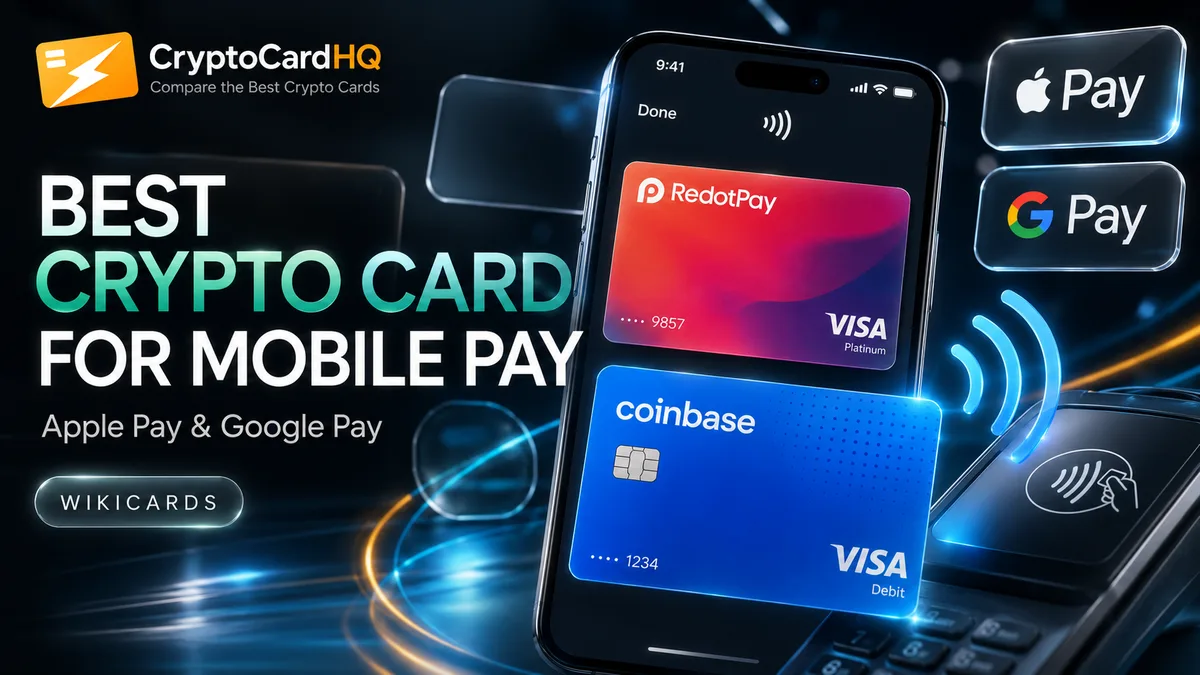
Kast works best with Apple Pay — virtual card is instant and adds to Apple Wallet without a physical card. RedotPay supports both Apple Pay and Google Pay across most regions.
Best for each use case
Best for Apple Pay
Kast
Best for Google Pay
RedotPay
Best overall mobile
Ether.fi Cash
Best instant virtual card
Kast
Not sure which card to pick?
Our card finder asks 3 quick questions and recommends the right card.
How does digital wallet integration actually work on crypto cards?
When you add a crypto card to Apple Pay or Google Pay, the wallet creates a tokenized version of your card number — called a Device Account Number. This token replaces your actual card number during transactions, so the merchant and the payment terminal never see your real card details.
For crypto cards, this process requires the card network (Visa or Mastercard) and the card issuer to both support tokenization. Most modern crypto Visa and Mastercard products support this, but there's a catch: the card must be provisioned correctly on their backend. Some crypto card providers don't enable tokenization even on Visa cards, which means you can't add them to digital wallets despite the card technically working on the network.
When you tap your phone to pay, the transaction flows through NFC, to the payment terminal, to the acquiring bank, then to Visa/Mastercard, then to your crypto card provider, which converts your balance to fiat and settles. The whole process takes seconds. Your crypto balance drops; the merchant gets paid in local currency.
Which crypto cards support both Apple Pay and Google Pay?
RedotPay supports both Apple Pay and Google Pay in most of its 180+ supported countries. Kast supports Apple Pay and is rolling out Google Pay support — check current status on their website as availability varies by region. Coinbase Card supports both but only for US residents.
Nexo Card supports Apple Pay and Google Pay via Mastercard's tokenization system. Wirex supports Apple Pay in most of its supported countries. Bybit Card currently has limited digital wallet support — this is one of its more notable gaps compared to RedotPay and Kast.
Gnosis Pay, being a self-custodial card, has different integration mechanics and currently has limited Apple/Google Pay support. Ether.fi Cash is actively building out digital wallet features as part of their DeFi-native card product. For maximum compatibility with both wallets, RedotPay is the safest bet globally.
How do you add a crypto card to Apple Wallet?
Open the Wallet app on your iPhone, tap the "+" in the top right corner, and select "Debit or Credit Card." For Kast, you can do this immediately after signing up — their virtual card is issued instantly and you receive the card number, expiry, and CVV in the app, which you enter into the Wallet setup flow. The card is usually approved within a minute.
For RedotPay, the process is similar but you'll typically need to have received your physical or virtual card first. Once you have the card details, go to the RedotPay app, find the card provisioning option, and follow the prompts — or add it manually through the Wallet app. Some regions require a quick SMS verification.
If your card doesn't appear as an option, check that your country is in the card's supported Apple Pay region list. Even if a card works in your country, Apple Pay might not be enabled there yet — these are two separate integration decisions the card provider makes independently.
Why do some crypto cards only support virtual mode for digital wallets?
A virtual card is a card number without a physical card attached. For Apple Pay and Google Pay, this actually doesn't matter — you can add a virtual card to a digital wallet and tap to pay anywhere contactless payments are accepted. The physical card is only needed for swipe terminals and ATMs.
Kast's advantage here is that their virtual card is issued immediately upon signup. You can be paying with Apple Pay in minutes, before your physical card arrives in the post. This makes Kast genuinely useful as a travel card you decide to get the week before a trip.
Some providers only allow digital wallet addition after the physical card has been activated. This is a fraud prevention measure — they want to verify you've received the physical card before enabling tap payments. It's an inconvenience rather than a fundamental limitation, but it does mean a waiting period of 5–15 days depending on your location.
What are the security advantages of paying with a crypto card via Apple Pay?
Tokenized payments through Apple Pay are significantly more secure than swiping or entering your card number online. Each transaction uses a one-time dynamic security code generated by your device. Even if a merchant's payment system is compromised, the token they received is useless for future fraud — it can't be replayed.
For crypto cards specifically, this matters because your card balance is already at higher risk than a traditional bank account. Banks have fraud dispute resolution. Crypto card providers have varying levels of support, and some have limited recourse if your card is compromised. Using Apple Pay or Google Pay adds a meaningful layer of protection.
Face ID and Touch ID authentication before each transaction adds a second factor that physical cards lack entirely. You can't tap-and-pay someone else's Apple Pay even if you steal their phone, because the biometric check blocks it. This is especially valuable for crypto cards held by people who keep meaningful balances loaded.
Ready to decide?
Find your perfect crypto card
Use our tools to compare fees, cashback, and availability side by side.

Last verified May 2026. This is not financial advice.
CryptoCardHQ may earn a referral fee when you apply for cards through links on this site. This does not influence our editorial rankings or comparisons. We only recommend cards we have independently researched and verified.